
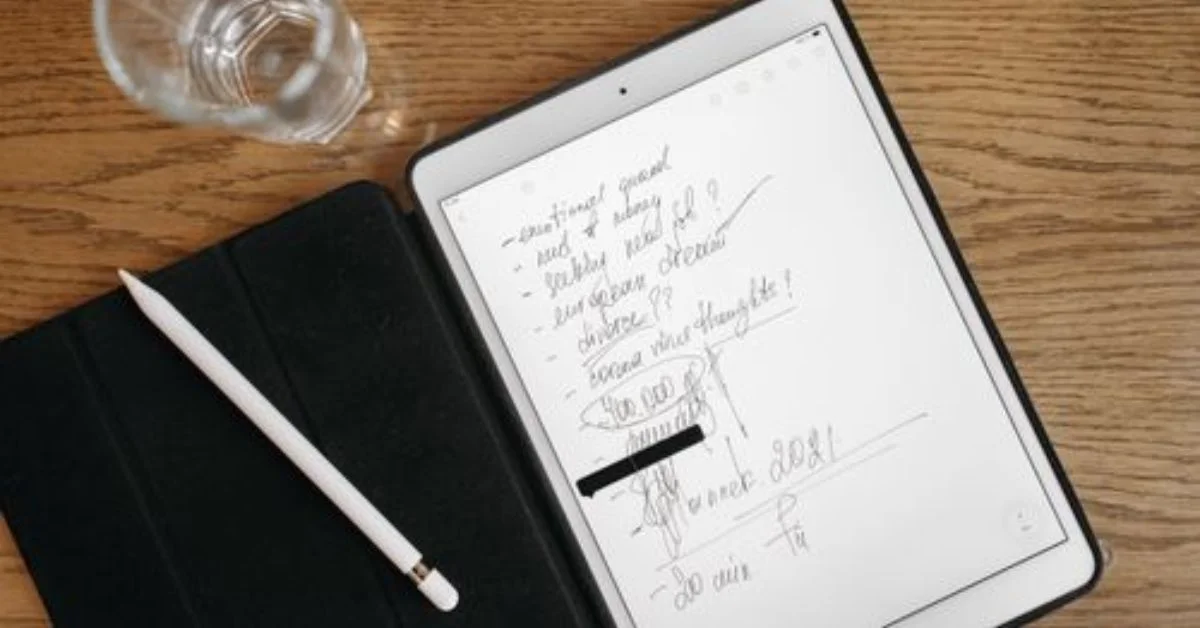

Your paper planner isn’t broken. But it also can’t hyperlink to your goals, sync across devices, or let you move a habit tracker with a single tap. That’s why the shift to the best digital planners for iPad has accelerated so fast — and in 2026, the options are sharper, smarter, and more personal than ever before.
Whether you’re a student writing lecture notes between classes, a professional running back-to-back meetings, or a creative who just wants a beautiful space to think — the right iPad planner changes how your whole day feels.
Here’s the honest breakdown of what actually works.
Why the iPad Has Become the Go-To Planning Device
The iPad holds 52.85% of the worldwide tablet market as of early 2025, and that dominance isn’t accidental. With the Apple Pencil Pro, M-series chip performance, and a growing library of planning apps, the iPad has quietly become the most capable personal productivity device most people own.
The iOS segment commands a substantial portion of the digital planner app market due to the high prevalence of iPhone and iPad users who prioritize seamless integration across their Apple devices.
The practical appeal is straightforward. Unlike paper planners that live in one place, iPad digital planners sync across all your devices — check your schedule on your phone during your commute, add a task on your laptop at work, and review your goals on your iPad at home. Everything stays aligned without any manual effort.
And the market reflects that appetite. The digital planner app market revenue was valued at USD 1.2 billion in 2024 and is estimated to reach USD 3.5 billion by 2033, growing at a CAGR of 12.5% from 2026 to 2033.
The Two Types of Best Digital Planners for iPad — Know Which One You Need
Before picking any specific app, understand that iPad planning in 2026 operates on two distinct tracks:
App-Centric Planning relies on task databases, widgets, and automation built directly into the app. PDF Planners are highly customizable, ready-to-use, and offline-friendly — writing, adding stickers, and annotating with an Apple Pencil feels seamless in this format.
Neither is objectively better. The right track depends entirely on your workflow.
If you want automation, reminders, and cross-device task sync — apps like Notion, Todoist, or Fantastical fit you. If you want the feel of handwriting with the flexibility of digital — PDF planners inside GoodNotes or Notability are where you belong.
Most serious planners end up using both: an app for task management, a PDF planner for daily journaling and reflection.
GoodNotes 6 — Still the King for PDF-Based Digital Planning
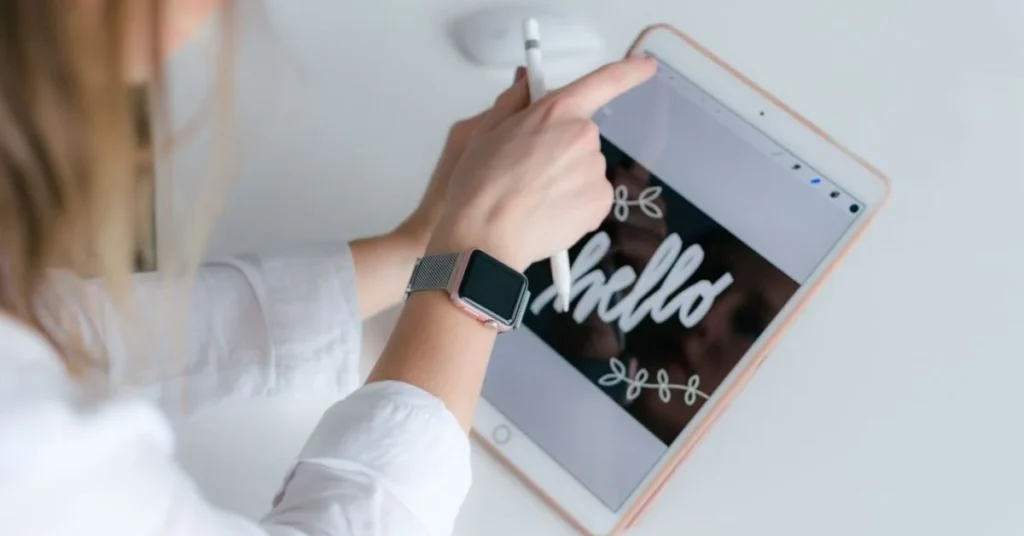
GoodNotes is the best overall choice for exceptional handwriting recognition and versatility. And that reputation has only solidified through 2026.
GoodNotes 6 has solidified its position as the go-to app for digital journaling and aesthetic note-taking. The ink engine — featuring Fountain Pen and Brush Pen — offers artistic control that feels incredibly natural. AI handwriting correction now works in your own handwriting style, and customization remains the top choice for the digital planning community, with custom page sizes, covers, and sticker management.
GoodNotes lets you create a digital notebook with blank or ruled paper for notes, checklists, planners, and more. The app exports entire digital notebooks or specific pages into PDFs. Its AI assistant can read and understand your handwritten or typed notes, then summarize, rewrite, or organize them — and it can also answer questions, solve math problems, generate templates and tables, and identify key themes.
Pricing is accessible: the free version allows three digital notebooks and basic AI features. Unlimited notebooks and full AI access costs $11.99 per year or a one-time payment of $35.99.
One thing worth noting for 2026: according to Reddit users, GoodNotes 6 remains more popular than GoodNotes 7 due to performance stability. If speed matters to you, stick with version 6.
Best for: Creative planners, students, anyone who wants handwritten-feel with digital flexibility.
Notability — The Better Choice for Professionals Who Think Out Loud
Notability leads for students and professionals who want AI-powered study tools like automatic transcription, smart summaries, quizzes, and flashcards built from their notes.
The standout feature is audio-linked note-taking. Record a meeting or lecture, take notes simultaneously, and tap any word later to hear exactly what was being said at that moment. The pressure sensitivity, tilt shading, and the way handwriting stays perfectly sharp even when zoomed in — it’s a level of refinement that GoodNotes hasn’t fully matched in this area.
Notability excels at fast, streamlined note-taking with time-synced audio. For anyone who sits through long meetings and needs their planning tied directly to what was discussed — this is the better call.
Best for: Professionals, students who record lectures, anyone combining audio with written planning.
Notion — The Best Digital Planner for iPad Power Users
Notion sits in a different category entirely. It’s less about handwriting and more about building a connected system — databases, dashboards, linked pages, and automated workflows all living in one place.
Apps like Notion offer strong task management, project planning, and organization features, making them useful for digital productivity workflows. And on iPad in 2026, the Notion interface has matured significantly — the mobile experience now feels built for touch, not just ported from desktop.
The real strength: Notion lets you build your planner from scratch. A weekly review database that links to your project tracker, which links to your habit log — all connected, all searchable. The best planners let you tailor categories, tags, views, and even workflows to match your personal or team preferences.
Best for: Productivity enthusiasts, remote teams, anyone who wants a full second brain — not just a calendar.
Things 3 — Minimal, Elegant, and Surprisingly Powerful
Things 3 delivers the most elegant minimalist experience for $9.99. It’s a one-time purchase with no subscription, and it shows in how clean and intentional every screen feels.
Things 3 doesn’t try to do everything. It organizes tasks into Today, Upcoming, Anytime, and Someday — a simple structure that maps to how most people actually think about priorities. The Apple Pencil integration allows you to jot tasks naturally, and deep calendar integration means your schedule and your to-dos live together without friction.
Professionals who have managed complex task lists know the cost of feature bloat — every extra toggle is a decision you have to make. Things 3 removes those decisions and makes you faster.
Best for: Minimalists, professionals who want a clean task inbox, anyone frustrated by overcomplicated apps.
TickTick — The Best Free Starting Point on iPad
TickTick is a strong option if you want a more advanced to-do list and task management app beyond the built-in Reminders app. It syncs tasks across all devices, integrates with calendar apps, lets you create checklists, set recurring tasks, upload attachments, and share task lists for collaboration.
It also includes a built-in Pomodoro timer — useful for anyone who works in focused sprints rather than open-ended sessions. The app’s task manager with integrated Pomodoro timer and productivity statistics earns it a 4.6/5 star rating across over 52,000 reviews.
The free tier is genuinely usable — not stripped down to force an upgrade. That makes it the most honest starting point for someone new to digital planning who isn’t ready to commit to a paid system.
Best for: Beginners, budget-conscious users, anyone who wants a task manager with built-in focus features.
PDF Planner Templates — The Underrated Option in 2026
Beyond apps, hyperlinked PDF planners have become a serious category on their own. The best-selling digital planners now include 65+ templates, 2,000+ stickers, daily planning sections, goal tracking, budgets, and fitness and habit trackers — dated 2026–2027 and undated. They work with GoodNotes, Notability, and any PDF app on iPad.
A custom digital planner can be built in under two minutes — choose your orientation, tab color, ring color, weekly layout, and start date from over 750 variations.
These templates suit people who already have a planning app they love but want structure without starting from scratch. Drop a pre-made PDF into GoodNotes, and you have a fully functional planner in seconds — tabs, hyperlinks, and all.
What the Research Shows About iPad Digital Planning Adoption
The shift isn’t just a consumer trend — it’s structural. North America stands as the largest market for digital planners, underpinned by a mature tech landscape, high adoption rates of tablets and Apple products, and a strong culture of personal and professional productivity. The prevalence of remote work and digital learning has further solidified this market leadership.
Professionals working across distributed teams consistently report that physical planners break down the moment their work becomes location-independent. An iPad planner that syncs in real time removes that bottleneck entirely.
The pattern emerging in 2026 is clear: users aren’t just replacing a notebook — they’re building layered systems where handwriting, task management, and calendar views coexist inside a single device.
How to Choose the Right Digital Planner for iPad — A Quick Guide
The decision comes down to four questions:
Do you prefer handwriting or typing? Handwriting → GoodNotes 6 or Notability. Typing → Notion, TickTick, or Things 3.
Do you need audio recording? Yes → Notability. No → everything else is on the table.
Do you want a pre-built system or to build your own? Pre-built → PDF planner templates in GoodNotes. Build your own → Notion.
What’s your budget? Free → TickTick or GoodNotes basic. One-time → Things 3 ($9.99) or GoodNotes full ($35.99). Subscription → Notability.
And here’s what professionals in this space consistently report: the best system is the one you actually open every morning. A visually appealing planner you use beats a feature-rich one you ignore.
Conclusion
The best digital planners for iPad in 2026 aren’t one-size-fits-all — and that’s the point. GoodNotes 6 leads for handwriting-focused creatives and students. Notability wins for professionals who think and record simultaneously. Notion handles complex, connected systems. Things 3 is for the minimalists. TickTick is the best free entry point.
Whatever your workflow, the best digital planners for iPad meet you where you are — and make the next day’s planning feel less like a chore and more like a system that actually works.
FAQs
1. What is the best digital planner app for iPad in 2026?
GoodNotes 6 is the most popular overall choice for its handwriting quality, template flexibility, and AI features. Notability is the better pick if you need audio-linked note-taking. The best app depends on your specific workflow.
2. Can I use digital planner PDF templates inside GoodNotes?
Yes. GoodNotes supports hyperlinked PDF planners directly. You can import any PDF planner template, annotate it with your Apple Pencil, and navigate between pages using built-in tabs and links.
3. Is GoodNotes or Notability better for professionals?
For structured organization and PDF annotation, GoodNotes tends to lead. For fast note-taking with audio recording tied to specific moments, Notability is stronger. Many professionals use both for different purposes.
4. Do I need an Apple Pencil to use iPad digital planners?
Not technically — most planning apps support touch input. But Apple Pencil dramatically improves the experience for handwriting-based planners. If you’re considering a PDF-style planner, the Pencil is worth the investment.
5. Are there free digital planners available for iPad?
Yes. GoodNotes offers a free tier with three notebooks. TickTick has a capable free version. There are also free downloadable PDF planner templates available from various creators that work inside any PDF annotation app.
